How to Judge Office Ergonomics Beyond Basic Chair Adjustments

Basic chair tweaks alone cannot define effective office ergonomics. For technical evaluators, the real benchmark lies in how posture support, workstation geometry, material performance, movement patterns, and task demands interact within a measurable workspace system. This article looks beyond surface-level adjustments to examine the functional criteria, design logic, and assessment signals that reveal whether an office environment truly supports productivity, comfort, and long-term occupational health.
What does office ergonomics really mean beyond chair height and backrest angle?
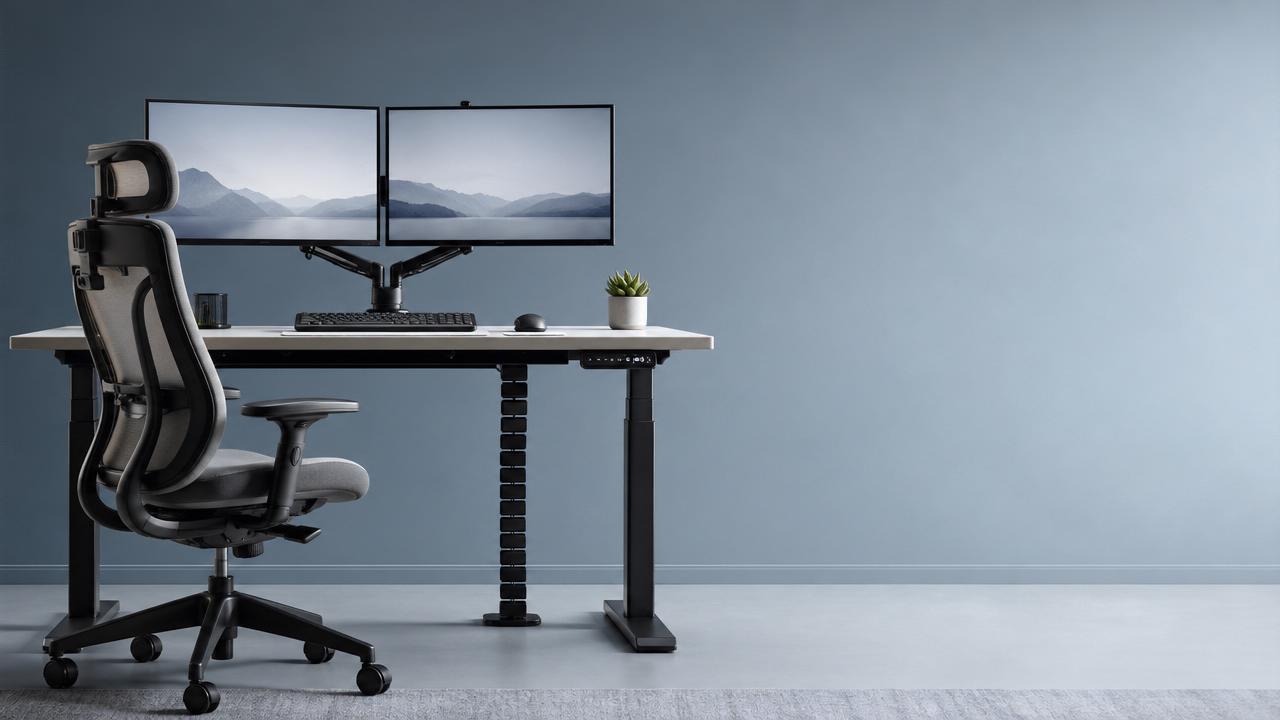
When technical teams evaluate office ergonomics, they should treat the chair as only one variable in a wider human-workspace interface. A workstation may include an adjustable chair, yet still fail if monitor height causes neck extension, desk depth forces wrist compression, lighting produces glare, or cable routing limits leg movement. In other words, office ergonomics is not a furniture checklist; it is a system-level judgment about how people perform tasks over time with minimal biomechanical strain.
A useful evaluation framework starts with five dimensions: body support, spatial fit, task alignment, movement allowance, and material response. Body support concerns seat pan depth, lumbar support quality, armrest range, and pressure distribution. Spatial fit looks at desk height, under-desk clearance, monitor distance, and accessory placement. Task alignment asks whether the workstation matches actual work patterns such as typing, reviewing samples, video meetings, or dual-screen analysis. Movement allowance checks if the setup encourages posture variation instead of static sitting. Material response examines thermal comfort, surface friction, foam resilience, and the durability of repeated adjustments.
For industries connected to design, furnishings, and workspace architecture, this broader view matters even more. GLC often frames modern work environments as a meeting point of aesthetics and manufacturing logic: a chair may look refined, but if its mechanism tolerances, upholstery breathability, or synchronized tilt behavior are poorly engineered, the ergonomic promise collapses during daily use. That is why office ergonomics must be judged through measurable user interaction, not showroom appearance alone.
Which measurable criteria should technical evaluators prioritize first?
The fastest way to improve assessment quality is to rank criteria by risk impact. Not every ergonomic defect has the same consequence. Some reduce comfort, while others directly increase musculoskeletal exposure. Technical evaluators should therefore begin with factors that most strongly affect posture and repetitive task performance.
Start with seated geometry. Confirm whether the user can keep feet supported, knees near neutral, and pelvis stable without forward sliding. Then review desk-to-seat relation. If the desk is too high, shoulders elevate; if too low, trunk flexion increases. Next, assess visual ergonomics: monitor top line, viewing distance, and glare exposure all influence neck position and visual fatigue. Input device placement follows closely, because keyboard and mouse reach patterns often drive shoulder and wrist loading more than the chair itself.
Environmental factors should not be treated as secondary. Acoustic distraction increases static postures because users hesitate to move in concentrated tasks. Overheated surfaces or low-breathability textiles can cause users to shift into unsupported positions. This is especially relevant in office furnishing evaluation, where material craftsmanship and functional finishing directly affect long-session performance.
How can you tell whether a workstation fits the task, not just the person?
This is one of the most overlooked office ergonomics questions. Many evaluations stop at anthropometric fit, but the true performance issue is task compatibility. A workstation suitable for coding may not support design review, materials inspection, frequent calls, or document-heavy administration. Technical evaluators should map postures to task duration, repetition, visual demand, reach demand, and collaboration pattern.
For example, a user who alternates between spreadsheet work and sample comparison may need a larger visual field, side-access space, and better lighting uniformity than a user focused on a single laptop. A procurement team reviewing textiles, leather, or decorative finishes may require surface reflectance control and flexible display angles to reduce visual strain during color judgment. In hybrid offices, camera position and second-screen placement also affect neutral posture. Good office ergonomics therefore supports not just sitting, but task transitions throughout the day.
A simple method is to document the top three tasks by time share, then identify the posture each task encourages. If one task forces repeated neck rotation, elbow abduction, or unsupported reaching, the workspace should be redesigned around that exposure. The best ergonomic setup is often not the most adjustable one, but the one that aligns adjustment ranges with real work behaviors.
What are the most common mistakes when judging office ergonomics?
The first mistake is equating adjustability with ergonomic quality. A product can offer many controls yet still be difficult to tune correctly, mechanically unstable, or unsuitable for diverse body types. Evaluators should test ease of use, adjustment logic, and consistency after repeated operation. If users cannot understand or maintain the settings, the ergonomic value is theoretical, not practical.
The second mistake is ignoring dynamic behavior. Office ergonomics should support micro-movement, recline variation, and short-duration posture changes. A setup that locks the body into one “correct” position often fails over long sessions. Healthy workspaces allow controlled movement without sacrificing visual alignment or input precision.
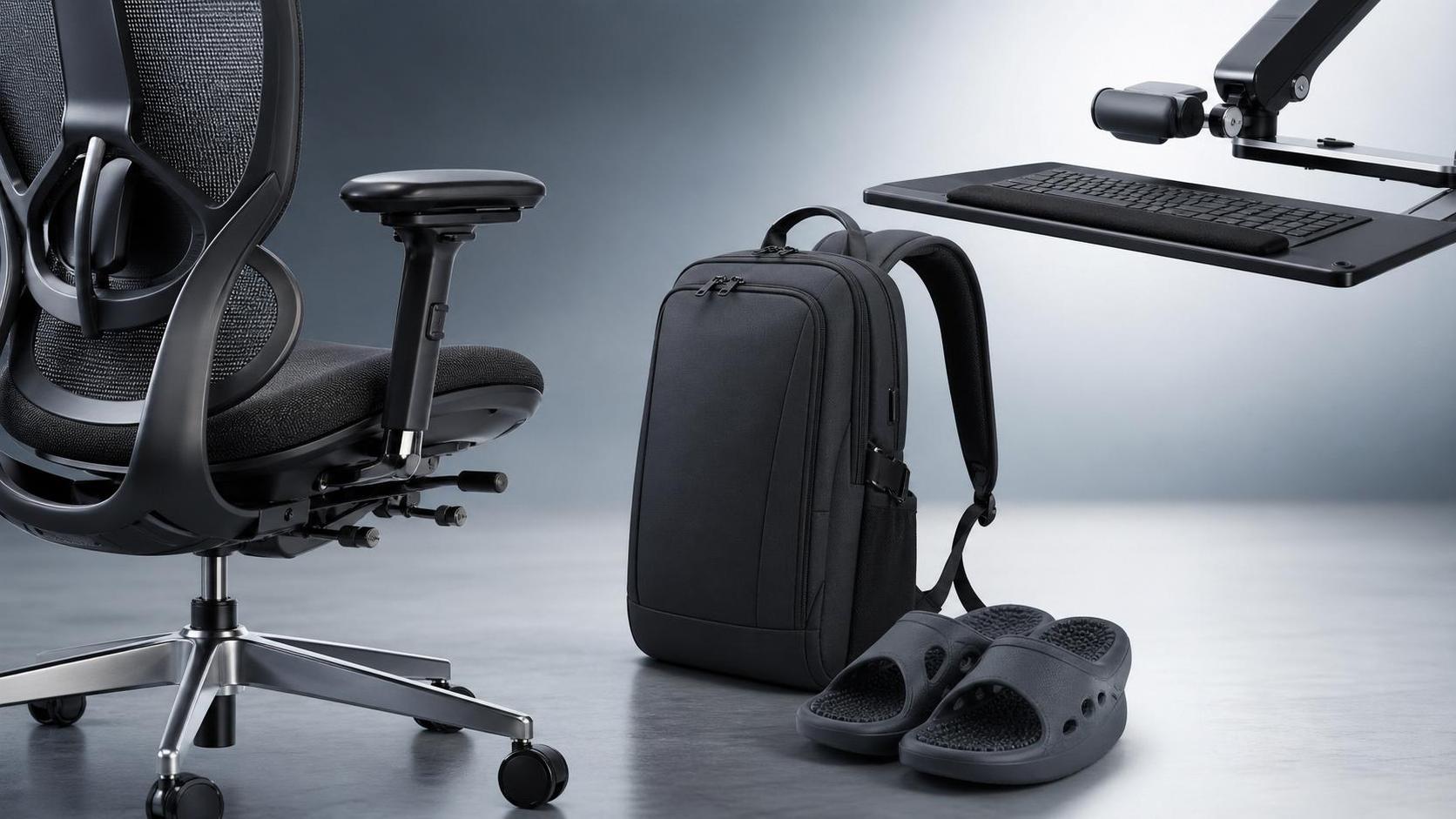
The third mistake is evaluating furniture in isolation from the environment. Desk, chair, monitor arm, keyboard tray, foot support, lighting, and floor conditions all interact. Even flooring friction can affect how easily users position themselves at the desk. In workspace architecture and furnishing projects, this systems view separates decorative installations from truly functional office ergonomics.
Another frequent error is relying only on short showroom tests. Ten minutes of comfort does not predict six hours of typing or reviewing digital content. Materials may heat up, seat foam may bottom out, and armrest surfaces may become irritating after prolonged contact. This is why some evaluators review component data, mechanism cycle performance, and upholstery durability before approval. In fragmented sourcing environments, even a placeholder reference such as 无 can appear in internal documentation, but the decision still has to rest on performance evidence rather than catalog language.
How should technical evaluators compare different office ergonomics solutions objectively?
Objective comparison requires a repeatable scoring model. Instead of asking whether one chair or desk is “better,” ask which option reduces exposure under a defined task profile. Build a matrix with weighted criteria such as fit range, support stability, movement quality, material resilience, maintenance complexity, and compatibility with workstation components. Then test each solution under standardized use cases.
For office ergonomics, scoring should combine quantitative and observational inputs. Quantitative inputs may include adjustment ranges, seat pressure mapping, monitor height span, or reach distances. Observational inputs may include visible posture compensation, user adjustment errors, and fatigue complaints after timed use. If your organization spans product development, sourcing, office furnishing, or design review functions, include users from each role because task patterns differ significantly.
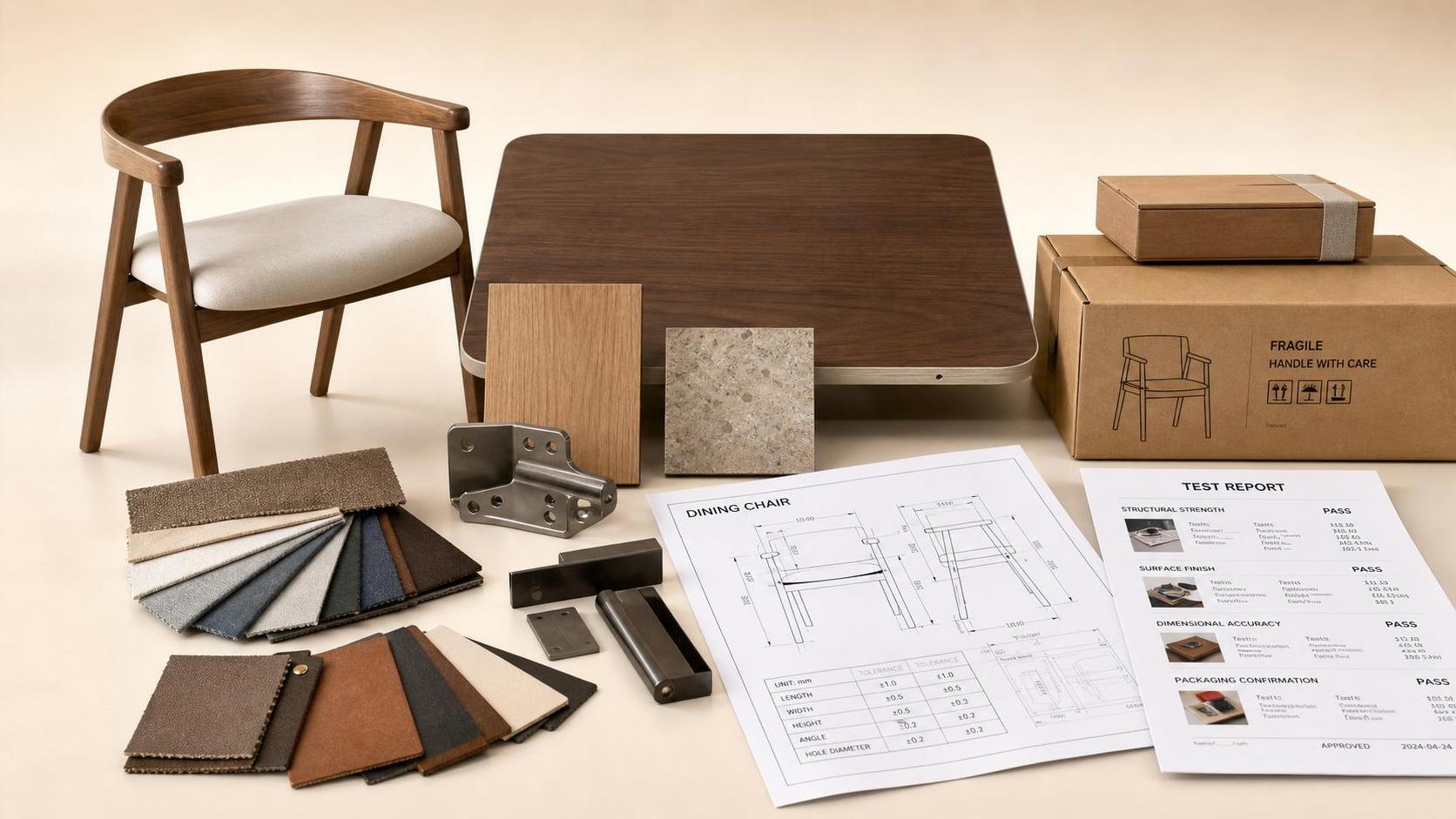
It is also wise to check manufacturing consistency. An ergonomic prototype can perform well while production units vary in foam density, tilt tension, or armrest rigidity. This is where craftsmanship intelligence matters. GLC’s broader industry perspective is useful here: in furnishings and soft-industry sectors, aesthetic refinement must be validated against repeatable production standards, material traceability, and lifecycle durability. Office ergonomics is therefore not only a design issue, but also a supply-chain quality issue.
Suggested comparison checklist
- Does the solution support the 5th to 95th percentile user range relevant to your workforce?
- Can users achieve neutral posture without extra accessories?
- Do adjustments remain stable after repeated use cycles?
- Are monitor, desk, and chair dimensions compatible as a set?
- Do materials maintain comfort under long-duration contact and varying climate conditions?
- Can cleaning, maintenance, and replacement be managed without degrading ergonomic performance?
When does office ergonomics become a strategic issue rather than a comfort upgrade?
Office ergonomics becomes strategic when work intensity, talent retention, error reduction, and occupational health costs are all affected by the workspace. In technical, analytical, and design-heavy roles, poor ergonomics reduces focus, increases micro-break frequency, and contributes to cumulative discomfort that may not be visible in early project stages. Over time, this affects output quality and operational continuity.
For evaluators, the trigger points are clear: rising complaints about neck, shoulder, or wrist fatigue; increased reliance on informal fixes like cushions and laptop stands; mismatches between furniture specifications and actual task needs; or excessive variation between departments. If a company is scaling globally, integrating design and manufacturing functions, or upgrading office and collaborative spaces, ergonomic consistency should be built into standards, not handled case by case.
This is particularly relevant in sectors where workspace quality reflects brand quality. Companies engaged in home, office furnishing, textiles, gifts, and lifestyle product development often want environments that communicate design maturity. However, appearance without ergonomic logic creates a credibility gap. Strategic office ergonomics closes that gap by aligning workspace aesthetics, industrial standards, and human performance.
What should be confirmed before implementation, sourcing, or workspace redesign?
Before any ergonomic rollout, technical evaluators should confirm workforce profile, task categories, adjustment training needs, and integration constraints. Begin with user segmentation: seated-only, hybrid sit-stand, collaborative, review-intensive, or mobile. Then verify which workstations require universal fit and which can be role-specific. This avoids overbuying expensive features that do not solve actual risks.
Next, confirm performance evidence. Ask for dimensional data, material specifications, cycle testing, and compatibility with monitor arms, power access, and acoustic layouts. Clarify whether the supplier can maintain the same ergonomic characteristics across production batches. If internal sourcing files contain entries such as 无, use them only as placeholders while the real technical documentation is completed and verified.
Finally, plan post-installation review. Good office ergonomics is not finished at delivery. Reassess after actual use, collect discomfort patterns, and identify whether issues come from product design, user behavior, or layout mismatch. This feedback loop is essential for continuous improvement and is fully aligned with GLC’s mission of connecting craftsmanship, standards, and quality living across industries.
What is the practical takeaway for technical evaluators?
The most reliable way to judge office ergonomics is to move from isolated furniture inspection to system-based evaluation. Look at posture support, workstation geometry, task fit, movement freedom, material behavior, and production consistency together. Avoid the trap of assuming that more adjustments, premium appearance, or short-term comfort automatically indicate high ergonomic quality. The better question is whether the workspace helps real users complete real tasks with lower strain and stable performance over time.
If you need to confirm a specific office ergonomics plan, procurement direction, workspace standard, testing cycle, or supplier cooperation model, prioritize these discussions first: user population range, task scenarios, measurement criteria, durability expectations, training responsibility, and post-installation validation method. Those questions will lead to stronger decisions than chair adjustments alone ever could.