Smart Workspace Setup Mistakes That Hurt Efficiency

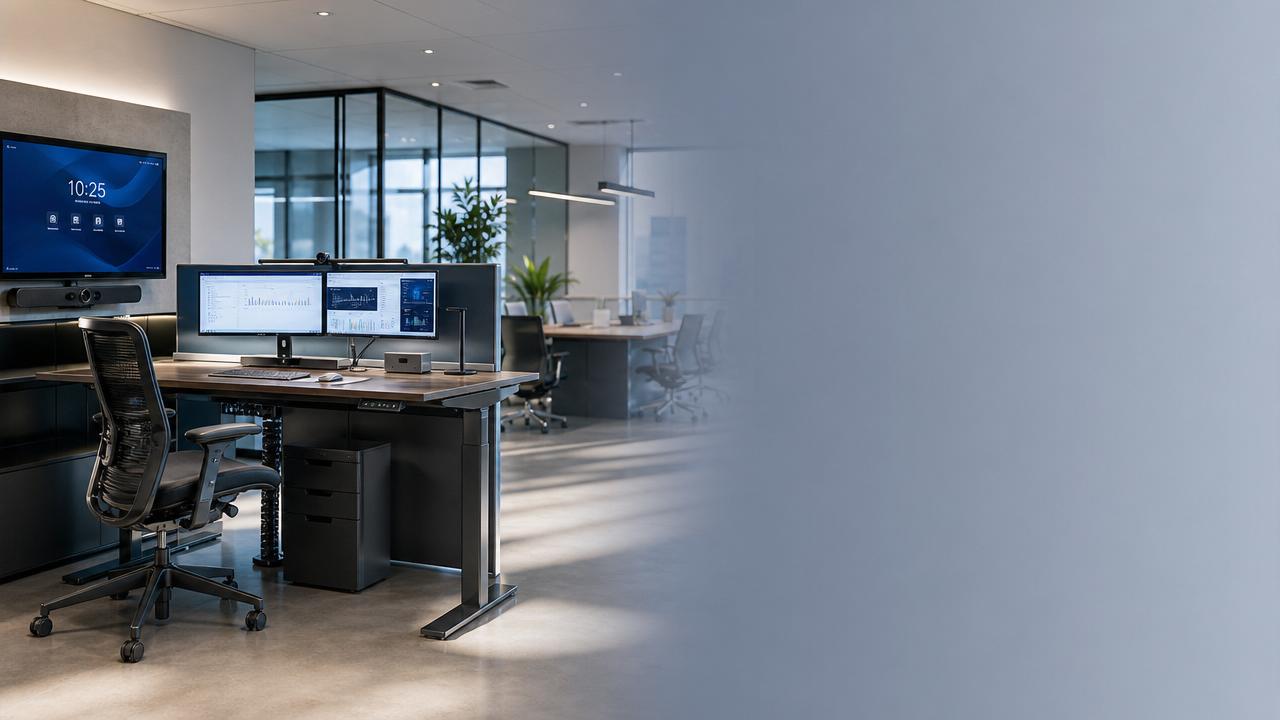
A smart workspace should improve focus, comfort, and collaboration. Yet many setups fail because small planning mistakes create daily friction across people, tools, and space.
In office design, furnishing, and connected equipment, efficiency depends on fit rather than novelty. A smart workspace works only when ergonomics, workflow, and technology support real tasks.
This article examines common smart workspace mistakes through practical scenarios. It highlights how different environments require different decisions, helping teams avoid waste and build better performance.
Why smart workspace mistakes vary by work scenario
Not every workplace needs the same layout, furniture, or digital stack. A smart workspace for focused analysis differs from one built for frequent meetings or hybrid collaboration.
Problems appear when decision-making follows trends instead of usage patterns. Attractive products may look advanced, but poor matching between task and setup reduces efficiency quickly.
In broader lifestyle and furnishing sectors, this issue is equally important. Furniture dimensions, cable planning, acoustic materials, and device integration all shape user outcomes.
Scenario one: Focus-heavy workspaces often fail from ergonomic oversights
Research, writing, analysis, and design tasks require long periods of concentration. In this smart workspace scenario, physical discomfort becomes a hidden productivity drain.
A common mistake is choosing stylish desks and chairs without adjusting height, screen position, or reach distance. Even advanced equipment cannot offset poor ergonomic planning.
Key warning signs in concentration zones
- Monitors sit too low or too far away.
- Chairs lack lumbar support or arm adjustment.
- Task lighting creates glare on screens.
- Power outlets force awkward cable routing.
- Noise control is ignored in open layouts.
These issues seem minor individually. Together, they increase fatigue, switching costs, and error rates, weakening the value of the smart workspace over time.
Scenario two: Collaborative areas lose value when technology is disconnected
Meeting rooms, project hubs, and shared desks need seamless transitions between physical and digital work. Here, a smart workspace fails when systems do not communicate smoothly.
Many spaces add screens, booking panels, and wireless tools without considering compatibility. Users then waste time troubleshooting instead of collaborating.
Frequent integration mistakes
- Room booking systems do not sync with calendars.
- Display sharing works only for limited devices.
- Cameras and microphones miss seating coverage.
- Charging access is uneven around the table.
- Software updates interrupt active sessions.
In a smart workspace, collaboration technology should disappear into the background. If users need repeated support, the system is not truly efficient.
Scenario three: Hybrid work settings suffer when flexibility is only cosmetic
Hybrid environments require quick adjustment between solo work, video calls, and team interaction. A smart workspace often underperforms when flexibility exists only in appearance.
Movable furniture alone is not enough. Without storage logic, docking consistency, and acoustic separation, reconfiguration creates confusion rather than efficiency.
Core judgment points for hybrid spaces
Ask whether users can switch tasks within minutes. If they need to search for adapters, rearrange seating, or relocate for privacy, the smart workspace is incomplete.
Also evaluate whether remote participants receive equal visibility and audio quality. A hybrid smart workspace must support both in-room presence and digital inclusion.
Scenario four: Executive or client-facing areas may prioritize image over function
Reception spaces, leadership rooms, and presentation suites often emphasize aesthetics. This is valuable, but a smart workspace becomes inefficient when visual impact overrides usability.
Examples include oversized furniture, reflective surfaces that damage screen visibility, or premium materials that complicate maintenance and cable management.
In furnishing and craftsmanship industries, this balance matters deeply. High-end finishes should support acoustic comfort, durability, and technology access, not compete with them.
How smart workspace needs differ across common environments
Smart workspace adaptation strategies that improve efficiency
The most effective smart workspace strategy starts with task mapping. Understand what people actually do, how often they switch activities, and which tools they need at each step.
Practical adaptation checklist
- Measure daily workflows before selecting furniture or devices.
- Prioritize ergonomic adjustability over fixed visual uniformity.
- Choose interoperable technology with simple user access.
- Plan power, cables, and charging as core infrastructure.
- Use acoustic zoning for calls, meetings, and focused work.
- Test layouts with real users before broad deployment.
- Review maintenance needs for surfaces, hardware, and software.
This process aligns well with modern furnishing and workspace design principles. Good craftsmanship is not just visual quality; it includes durability, access, and long-term user comfort.
Common misjudgments that weaken a smart workspace
One major misjudgment is assuming more technology means better performance. In reality, each added device increases complexity, training requirements, and maintenance risk.
Another mistake is copying layouts from showrooms or trend reports. A visually impressive smart workspace may fail if local workflows, room sizes, or cultural habits differ.
Short-term budgeting also causes problems. Saving on seating, acoustic treatment, or cable planning often creates recurring inefficiencies that cost more over time.
Finally, many spaces are evaluated only at launch. A smart workspace should be reviewed after use, because efficiency depends on ongoing adjustment, not one-time installation.
Next steps for building a smarter workspace with lasting value
Start by auditing one real environment. Observe movement, interruptions, posture issues, technology delays, and unused features. These details reveal where the smart workspace is underperforming.
Then group findings by scenario: focus, collaboration, hybrid use, or presentation. This makes it easier to prioritize upgrades with clear operational impact.
A strong smart workspace combines ergonomic intelligence, integrated tools, and material choices that support both aesthetics and function. That balance is where efficiency becomes sustainable.
For organizations tracking workspace, furnishing, and craftsmanship trends, smarter decisions come from linking design vision with real usage evidence. That is how modern spaces deliver measurable value.