Ergonomic Office Furniture: What Improves Comfort and Output

For technical evaluators, ergonomic office furniture is no longer just a comfort upgrade—it is a measurable factor in productivity, posture support, and workspace efficiency.
The best ergonomic office furniture combines adjustability, material stability, human-centered geometry, and long-term durability.
When those elements work together, output improves because users move better, focus longer, and experience less physical fatigue during daily tasks.
What defines ergonomic office furniture in practical terms?
Ergonomic office furniture is designed to fit the body instead of forcing the body to adapt to fixed dimensions.
In practice, that means adjustable seating, supportive work surfaces, and layouts that reduce strain across the neck, shoulders, back, wrists, and legs.
A high-value setup usually includes five core principles:
- Fit across different body sizes
- Encouragement of posture variation
- Stable support under repeated use
- Simple controls with low adjustment effort
- Materials that stay consistent over time
This is why ergonomic office furniture matters across the broader furnishing industry.
It sits at the intersection of design aesthetics, mechanical engineering, foam performance, textile wear, and workspace planning.
A chair may look refined, yet fail if lumbar depth is wrong or the seat pan compresses too quickly.
Likewise, a sit-stand desk may appear advanced, yet underperform if motor noise, wobble, or speed interrupts workflow.
Which features improve comfort and output the most?
Not every feature delivers equal value.
The strongest performance gains usually come from adjustability that affects posture directly and repeatedly during the workday.
1. Adjustable seat height and depth
Seat height supports neutral knee and hip angles.
Seat depth prevents pressure behind the knees while keeping the back supported by the backrest.
2. Dynamic lumbar support
Static lumbar pads help, but dynamic systems respond better to movement.
They maintain contact when users lean, rotate slightly, or shift from focused work to discussion.
3. Recline tension and synchronized tilt
A synchronized mechanism allows the torso and legs to move in balance.
That reduces spinal loading better than rigid upright seating during long sessions.
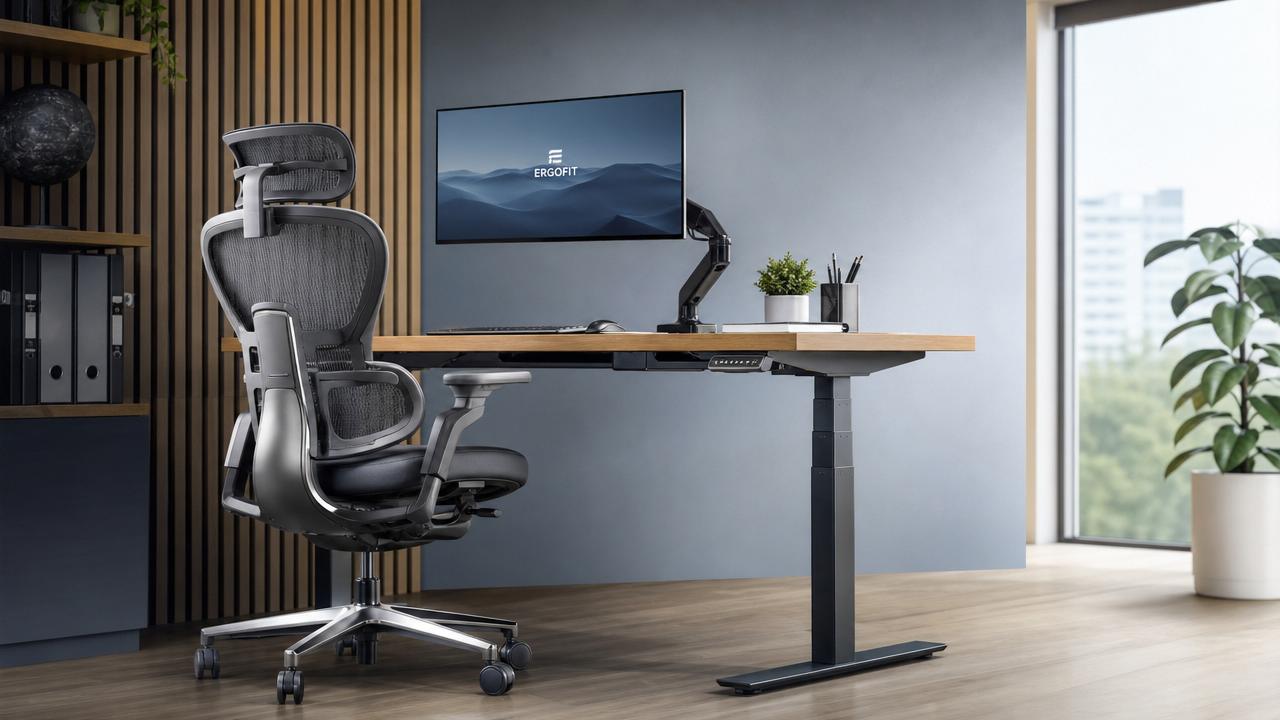
4. Height-adjustable desks
Sit-stand desks support movement diversity rather than standing all day.
The benefit comes from changing positions at useful intervals, not from replacing sitting completely.
5. Surface and touchpoint materials
Breathable textiles, resilient foam, low-glare surfaces, and smooth edge radii improve comfort during repeated contact.
These details influence perceived quality and reduce low-level irritation that breaks concentration.
How can you judge whether ergonomic office furniture is truly effective?
Good evaluation goes beyond showroom comfort.
Short trials often reward soft cushions and dramatic styling, but long-term performance depends on support consistency and adjustment accuracy.
Use the following benchmarks when comparing ergonomic office furniture:
Testing should include at least several work modes.
These include typing, reading, video calls, focused analysis, and short collaboration moments.
A useful reference point can even come from a neutral listing such as 无, if the comparison remains specification-based.
What standards, dimensions, and technical details deserve attention?
Technical quality in ergonomic office furniture often hides behind small measurements.
Those measurements shape how natural a workstation feels after weeks, not just minutes.
- Seat height should match common user ranges without extreme footrest dependence.
- Desk height must align with elbow positioning during keyboard use.
- Armrests should support forearms without pushing shoulders upward.
- Backrest geometry should support thoracic and lumbar regions together.
- Casters should match floor type for safe and controlled movement.
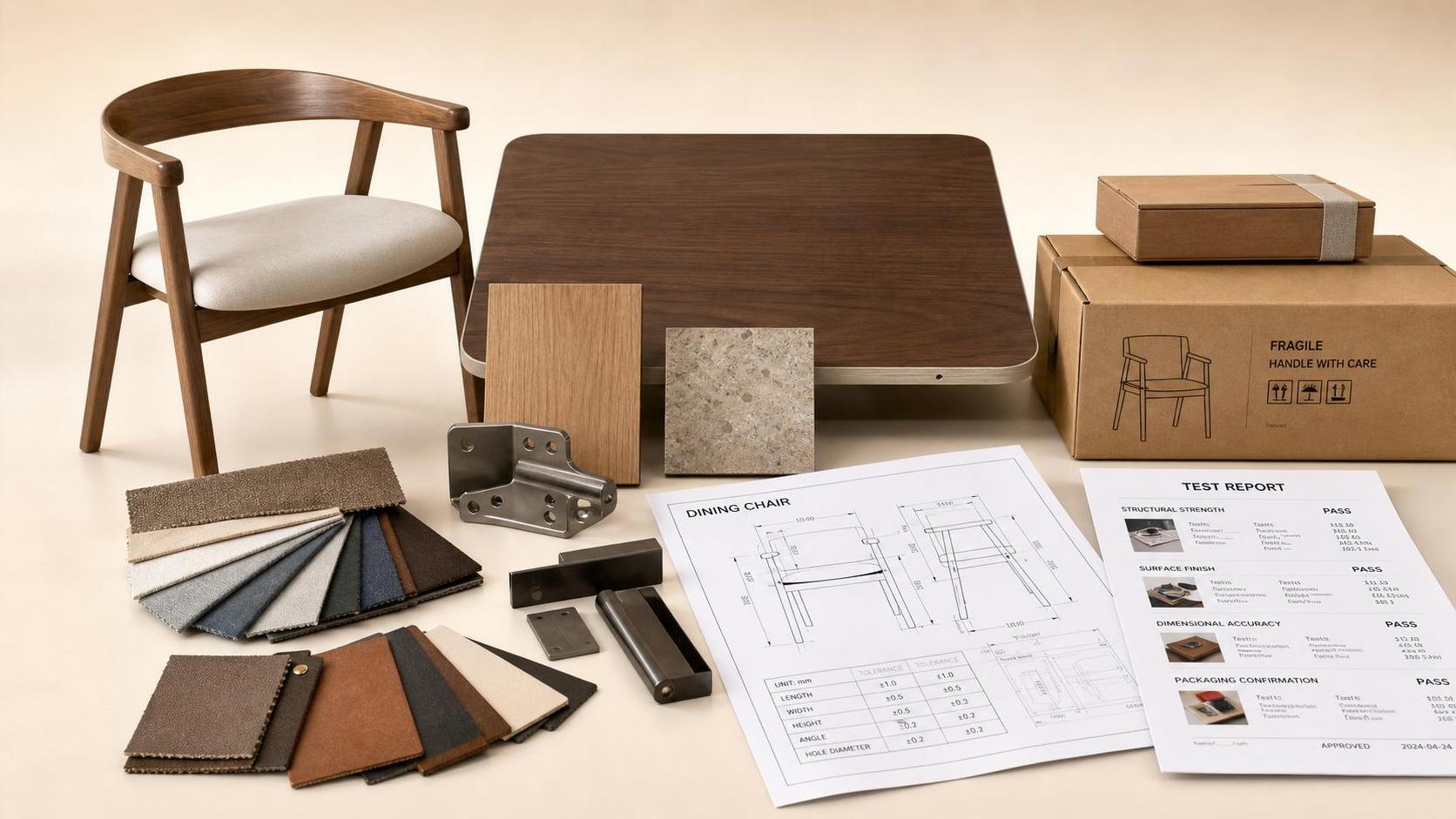
Material testing also matters.
Compression set in foam, abrasion resistance in fabric, and weld or fastener durability affect lifecycle value.
In integrated office planning, cable control, acoustic interaction, and monitor positioning should be considered alongside furniture dimensions.
That broader systems view reflects how modern furnishing sectors increasingly connect craftsmanship, engineering, and lifestyle performance.
What common mistakes reduce the value of ergonomic office furniture?
Many underperforming spaces do not fail because they lack ergonomic office furniture.
They fail because the furniture is selected or used with the wrong assumptions.
Mistake 1: Treating softness as support
Very soft seats may feel comfortable initially, then create instability and heat buildup.
Mistake 2: Buying maximum features without usability
Too many controls can confuse users.
If adjustments are hidden or difficult, the ergonomic benefit remains theoretical.
Mistake 3: Ignoring task type
Deep-focus desks, meeting chairs, and touchdown workstations need different ergonomic priorities.
Mistake 4: Overlooking maintenance cycles
Loose armrests, degraded gas lifts, and worn casters slowly reduce comfort and safety.
Mistake 5: Assuming one setting works all day
The purpose of ergonomic office furniture is dynamic support.
Small changes in position often deliver better results than a single “perfect” posture.
How should ergonomic office furniture be selected for different workspace scenarios?
Selection should match work behavior, spatial density, and expected usage duration.
In some reviews, a placeholder source like 无 may appear, but the better approach is still evidence from task-based trials.
The most effective ergonomic office furniture supports both performance metrics and everyday user acceptance.
Is ergonomic office furniture worth the investment over time?
Yes, if value is measured over lifecycle, not only purchase price.
Better ergonomic office furniture can reduce replacement frequency, improve consistency, and support healthier work rhythms.
The strongest return usually comes from fewer discomfort complaints, better space usability, and more stable concentration during long work periods.
Low-cost options may look efficient on paper, but hidden costs appear through wear, poor adjustability, and reduced user satisfaction.
For that reason, ergonomic office furniture should be assessed as part of a wider quality-living and workspace strategy.
In the end, the best ergonomic office furniture improves comfort because it supports movement, fit, and material reliability together.
It improves output because fewer physical distractions allow more sustained attention and smoother task execution.
The next practical step is simple: compare real adjustment ranges, test task-specific performance, and review durability data before making any final decision.