
Office Ergonomics Checks Before Choosing Chairs
Before specifying or purchasing chairs for a workplace, technical evaluators need more than a visual assessment or comfort claim.
Office ergonomics checks help verify whether seating supports posture, adjustability, durability, and real user performance across diverse work scenarios.
From seat depth and lumbar support to material resilience and compliance with workspace standards, each detail influences long-term productivity and wellbeing.
This guide outlines the essential evaluation points that connect ergonomic design, manufacturing quality, and practical office use.
Start With the Real Evaluation Question: Will This Chair Fit the Work?
Technical evaluators are rarely asking whether a chair looks ergonomic. They are asking whether it performs ergonomically under measurable workplace conditions.
A reliable chair must support different body sizes, workstation layouts, sitting durations, and task patterns without creating hidden postural strain.
The most useful office ergonomics assessment therefore begins with job context, not product styling or isolated comfort statements.
Consider how employees actually work: focused computer tasks, collaborative meetings, hot-desking, call center shifts, or hybrid office use.
A chair suitable for short meeting rooms may fail in intensive workstation environments where users sit for six to eight hours.
Before comparing models, define the user population, daily sitting duration, desk height range, flooring type, and required mobility.
This prevents procurement from overvaluing cosmetic features while missing the functional requirements that determine long-term seating success.
Check Seat Dimensions Before Judging Comfort
Seat dimensions are among the first technical checks because they determine whether users can maintain stable, supported posture.
Seat height should allow feet to rest flat on the floor or footrest while knees remain near a comfortable right angle.
If the chair cannot adjust low or high enough, users compensate through slouching, raised shoulders, or unsupported feet.
Seat depth is equally important. A correct depth supports the thighs without pressing behind the knees or restricting circulation.
Evaluators should confirm whether the chair offers sliding seat depth adjustment, especially in workplaces with diverse user heights.
Seat width must allow natural hip positioning while leaving enough space for movement and clothing variation across seasons.
Technical evaluation should include measurement verification, not only manufacturer claims, because nominal dimensions may differ from usable dimensions.
Evaluate Lumbar Support as a Functional System
Lumbar support is often promoted in marketing, yet many designs provide shape without effective adjustability or sustained support.
A technical check should verify whether the lumbar element aligns with the user’s lower back curve during actual sitting.
Height-adjustable lumbar support is valuable because spinal curves vary significantly between users of different stature and posture habits.
Depth or tension adjustment can also matter, particularly for long-duration work where static pressure becomes uncomfortable over time.
Evaluators should test whether the lumbar support remains stable when the user reclines, shifts, or returns to upright posture.
A good ergonomic chair should encourage neutral spinal alignment without forcing an exaggerated posture that users cannot maintain.
For task-intensive environments, lumbar performance should be assessed over time, not during a brief showroom sitting trial.
Assess Backrest Movement, Recline, and Postural Variation
No single seated posture remains healthy throughout the day. Effective office ergonomics encourages movement, micro-adjustment, and posture variation.
The backrest should support upright work while also allowing controlled recline for pressure redistribution and muscular relief.
Check the recline mechanism for smooth movement, adequate resistance range, and stability at positions users commonly adopt.
Synchronized tilt mechanisms can improve comfort by coordinating seat and backrest movement, but only when tension is easily adjustable.
If recline tension is too stiff, lighter users may never activate the mechanism, turning a dynamic chair into a fixed one.
If tension is too loose, heavier users may feel unstable or avoid reclining, reducing the ergonomic benefit.
Technical evaluators should test mechanisms across different body weights to confirm real usability, not merely specification presence.
Do Armrests Help the Task or Create Interference?
Armrests can reduce shoulder and neck load, but poorly positioned armrests can also conflict with desks and input devices.
At minimum, armrests should adjust in height so forearms can rest lightly while shoulders remain relaxed.
Width adjustment is useful when supporting different shoulder breadths, especially in shared workstations or multi-user offices.
Forward, backward, or pivot adjustment may help users align with keyboards, mice, tablets, or specialized control interfaces.
However, excessive armrest complexity can introduce durability issues if mechanisms are weak or difficult to lock securely.
Evaluators should check whether armrests fit under the target desks without pushing users too far from the work surface.
The correct question is not whether armrests are adjustable, but whether they improve task posture without creating obstruction.
Verify Material Performance, Not Just Surface Feel
Initial softness can be misleading. A chair must maintain support after months or years of compression, heat, and movement.
Foam density, resilience, and recovery behavior influence whether the seat continues distributing pressure effectively over time.
Mesh backrests require a different evaluation. They should provide breathable support without sagging, sharp edge pressure, or uneven tension.
Upholstery should be assessed for abrasion resistance, cleanability, colorfastness, and compatibility with the workplace maintenance routine.
In high-use offices, fabric durability and seam construction can affect lifecycle cost as much as mechanical adjustability.
Evaluators should request test data where available, including abrasion cycles, foam performance, and material safety documentation.
Comfort is not only how a chair feels on day one; it is how consistently it performs across its service life.
Inspect the Base, Casters, and Stability Under Real Conditions
The lower structure of a chair is often overlooked, yet it directly affects safety, mobility, and user confidence.
A five-star base is generally preferred for office task chairs because it improves stability during reaching and reclining movements.
Base material should match load requirements, expected use intensity, and the organization’s durability expectations.
Casters must suit the flooring environment. Hard casters may roll too freely on hard floors, while soft casters suit smoother surfaces.
Where flooring varies, evaluators should confirm caster options rather than accepting a single standard configuration.
Stability testing should include forward reach, lateral movement, recline, and entry or exit from the chair.
A chair that feels stable in a static sitting test may behave differently during actual office movement.
Review Adjustability Through the Lens of User Adoption
More adjustment features do not automatically create better office ergonomics if users cannot understand or access them.
Controls should be visible, reachable from the seated position, intuitive to operate, and clearly differentiated by function.
If adjustment requires excessive force or complex sequencing, users may leave the chair in a poor default configuration.
For shared workstations, rapid adjustment becomes especially important because users need to reset the chair quickly.
Technical evaluators should observe whether first-time users can adjust seat height, back support, recline, and armrests without instruction.
Instruction labels, onboarding guides, or QR-based setup videos can improve adoption, but they cannot compensate for poor control design.
The best ergonomic chair is not only adjustable; it is adjustable in a way people will actually use.
Match the Chair to the Desk, Monitor, and Workstation Layout
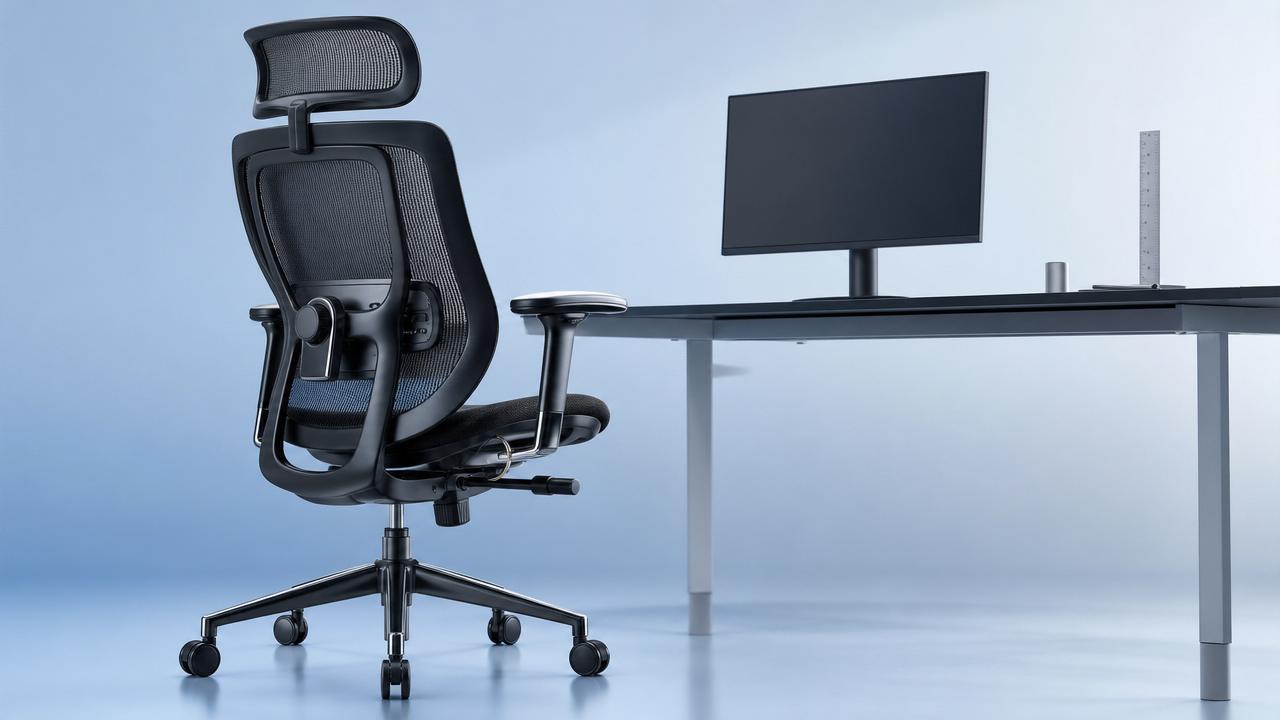
A chair cannot be evaluated in isolation because workstation ergonomics depends on the interaction between seating and surrounding equipment.
Seat height must correspond to desk height, keyboard level, monitor position, and the user’s visual task demands.
If desks are fixed too high, even a good chair may require a footrest to maintain lower-body support.
If monitors are poorly positioned, users may lean forward despite having adequate backrest and lumbar support.
Evaluators should test chairs at representative workstations, including common desk models, monitor arms, keyboard trays, and docking arrangements.
This integrated check is especially important in offices adopting sit-stand desks or flexible collaborative zones.
True office ergonomics is a system outcome, and chair selection should support the whole workstation rather than solve everything alone.
Consider Standards, Compliance, and Documentation
Technical purchasers need evidence. Standards and documentation help separate credible ergonomic products from unsupported design claims.
Depending on market and application, evaluators may review standards related to dimensions, safety, durability, emissions, and materials.
Common references may include BIFMA, EN, ISO, or regional workplace safety expectations, depending on procurement location.
Compliance should not be treated as a complete ergonomic guarantee, but it provides a baseline for structural and performance confidence.
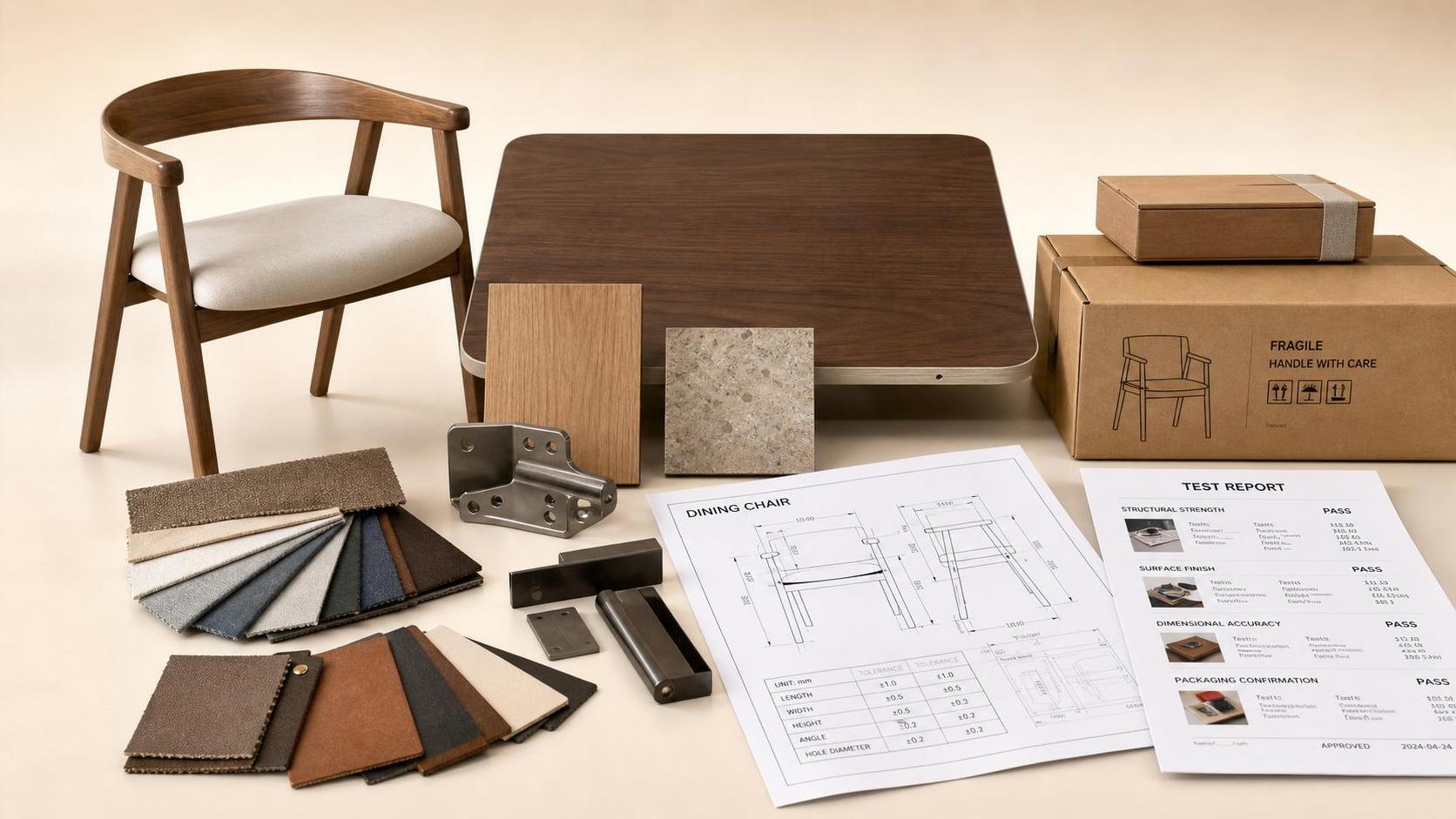
Documentation should include adjustment ranges, maximum user weight, warranty terms, material specifications, and test certifications where relevant.
For larger projects, suppliers should provide consistency across batches, spare part availability, and after-sales service procedures.
These factors help evaluators assess risk beyond the chair sample and understand whether the supplier can support long-term deployment.
Run a Pilot Test Before Large-Scale Procurement
A pilot test reveals practical issues that specification sheets cannot fully predict, especially in diverse office populations.
Select a representative user group, including different body sizes, job roles, sitting durations, and workstation types.
Allow enough trial time for users to experience the chair across normal work patterns, not only during a short demonstration.
Collect feedback on pressure points, ease of adjustment, perceived support, thermal comfort, movement, and task compatibility.
Combine subjective feedback with observable indicators, such as whether users adjust features correctly and maintain workable postures.
Technical evaluators should also inspect chairs after the trial for early wear, loose components, or mechanism noise.
A well-designed pilot reduces procurement risk and improves acceptance because decisions are based on evidence from the actual workplace.
Balance Ergonomic Value With Lifecycle Cost
The cheapest chair is rarely the lowest-cost chair when discomfort, replacement, maintenance, and productivity impacts are considered.
Lifecycle evaluation should include expected service years, warranty coverage, repairability, spare parts, and cleaning requirements.
A more durable chair with effective adjustability may provide better value than a lower-priced model needing frequent replacement.
For technical evaluators, the key is to connect ergonomic features with measurable operational outcomes.
Reduced discomfort complaints, fewer premature failures, improved workstation fit, and stronger user satisfaction all contribute to value.
Budget decisions should therefore compare total performance over time, not only unit price at purchase.
This approach aligns furniture selection with quality-driven procurement and responsible workplace investment.
Red Flags That Should Pause a Chair Selection
Several warning signs should prompt deeper review before a chair is approved for workplace use.
Be cautious when adjustment ranges are missing, vague, or provided only as marketing language without measurable data.
Avoid chairs that feel comfortable initially but lack lumbar alignment, stable recline, or adequate thigh support.
Question products with weak armrest locking, unstable bases, noisy mechanisms, or casters poorly matched to workplace flooring.
Limited warranty terms, unavailable spare parts, and inconsistent sample quality can signal future maintenance problems.
Also be careful with chairs marketed as universal solutions, because ergonomic suitability depends on users and work context.
When these red flags appear, request additional testing, alternative configurations, or a controlled pilot before committing.
A Practical Checklist for Technical Evaluators
Begin with user and task analysis, then confirm dimensional fit across the expected workforce and desk environment.
Measure seat height, width, and depth, and verify whether adjustment ranges match actual user needs.
Test lumbar support for height, depth, stability, and comfort during upright work and reclined positions.
Evaluate recline mechanics, tension control, backrest behavior, armrest usability, and ease of seated adjustment.
Review materials for durability, breathability, cleaning performance, and long-term support rather than relying on first-touch comfort.
Inspect base construction, caster suitability, stability, certification documentation, warranty conditions, and supplier service capability.
Finally, validate the shortlist through workplace trials, structured feedback, and post-trial inspection before final procurement.
Conclusion: Choose Chairs as Ergonomic Systems, Not Decorative Objects
Effective office ergonomics checks transform chair selection from a visual purchase into a technical workplace decision.
For evaluators, the strongest choices are supported by measurable fit, intuitive adjustability, durable materials, and verified workstation compatibility.
A chair should help users maintain supported movement, reduce avoidable strain, and perform comfortably throughout real workdays.
By combining ergonomic analysis with manufacturing quality and lifecycle thinking, organizations can choose seating that delivers lasting value.
The right chair is not simply the most feature-rich option; it is the one that fits the people, work, and environment.